



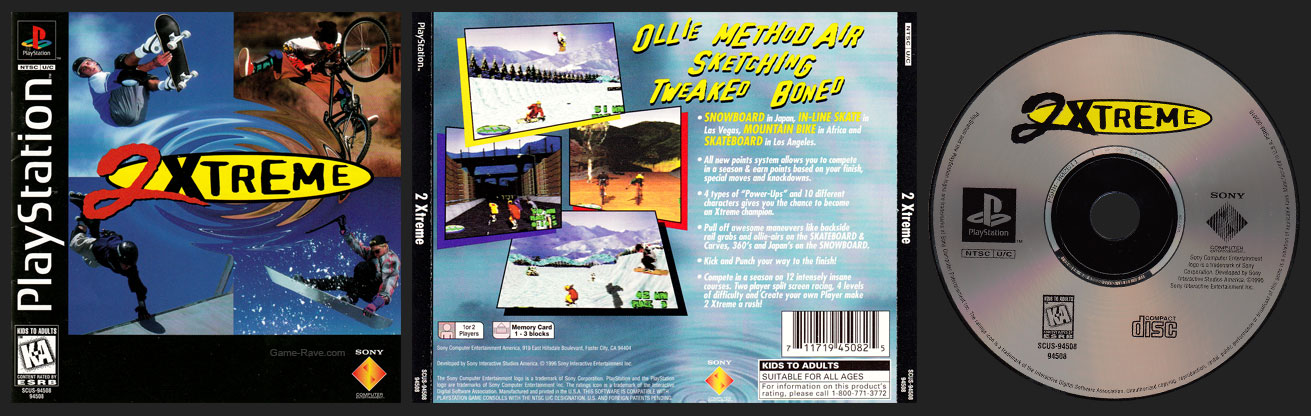
Jewel Case Release
| Genre: Sports |
CDs: 1 |
|---|---|
| Publisher: Sony |
Released: November 6, 1996 |
| Developer: SISA |
UPC: 7 11719 45082 5 |
| Sony ID: SCUS-94508 |
PSRM: 002610 |
| Players: 1 to 2 Players |
Memory: 1 to 3 Blocks |
| Accessories: None |
|
| ESRB: Kids to Adults – No Descriptors |
|
| Box Copy:
Snowboard in Japan, In-line skate in Las Vegas, Mountain Bike in Africa, and Skateboard in Los Angeles.
|
|
Variants
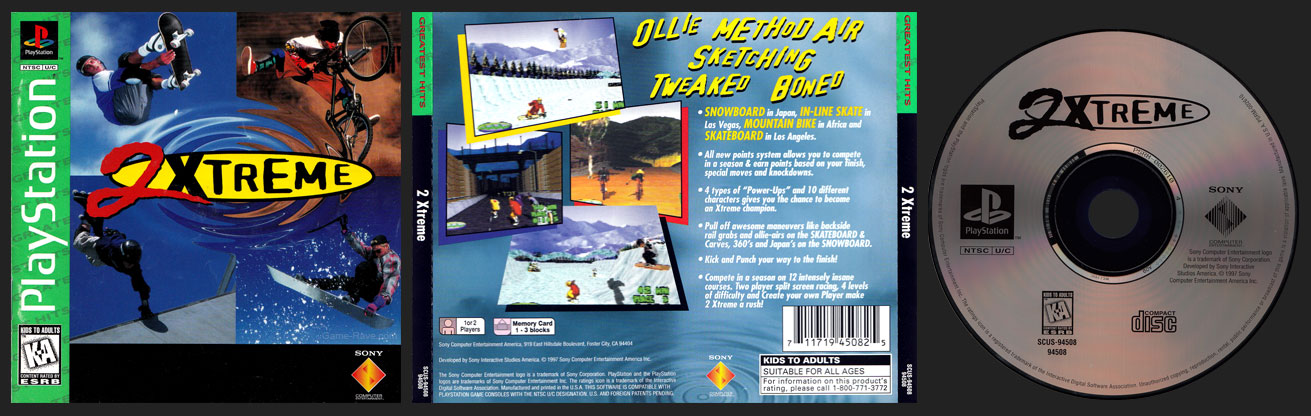
Greatest Hits Release
Misprints
- There are no known misprints.
Review
- There is no review for this game yet.
The Good
- No Review
- No Review
- No Review
The Bad
- No Review
- No Review
- No Review
Final Score: NA – No Review
Summary Text
Screenshots
- There are no screenshots for this game yet.
Videos
- There are currently no videos for this game.
Trivia
- The snowboarder in the corner was reused (in a different image) for the eventual release of Cool Boarders.
- With the breaking away from the ESPN license, Sony would also re-release ESPN Xtreme Games as 1Xtreme to unify it with this new release and its eventual sequel.
- 2xtreme was probably the easiest disc art conversion ever when it came to the Greatest Hits release: they literally just deleted the single color in the image!
Instructions
SETTING UP THE GAME
Main Menu
From the Main Menu, use the directional arrow pad (D-pad) on the left side of your controller to cycle through the menu options. Located in the bottom left-hand portion of the setup screens are directional arrows similar to those of the D-pad. The highlighted arrows will guide you in the directions available for each selected menu option.
One Player / Two Players
Two controllers are necessary for a two-player game. In a two-player game, the player using the left controller of the PlayStation™ is Player One. When the game begins, Player One is viewed racing on the top portion of the screen and Player Two is viewed racing on the bottom portion of the screen.
Player One Select / Player Two Select
D-pad down to this menu option and press the Select button located on the right side of the controller to bring up the Player Selection screen. Here, you can choose from 10, 2 Xtreme players or create the ultimate player to compete with in the race.
- Standard
Use the Standard option to choose from the 10 players provided by 2 Xtreme.- D-pad down to highlight the name of the player pictured on the screen. Notice, below the player photo are the selected player’s skill categories.
- Cycle through the players using the D-pad left/right and make your selection of the 2 Xtreme player
with the skills you think it will take to win the race.
After choosing your player, customize the Vehicle Attributes.
-
- D-pad down from the player selection to move to the right side of the Player Selection screen and adjust the Vehicle Attributes.
- Move the D-pad left/right to adjust the handling, acceleration, and top speed category levels of each vehicle.
With only 240 points to distribute among the three categories, be wise in your allocation of each point to provide maximum efficiency for each player and their vehicles.
Exit this screen by pressing the Main button A located on the right side of your controller.
Create
To create your own 2 Xtreme player with custom player and vehicle skills:
- D-pad right from the Standard option to select Create.
- D-pad down to the segmented line, then left/right to choose player colors. Press the Select button and enter a name for your player by moving the D-pad up/down, left/right.
- Press the Select button again to lock in the name and D-pad down to set your player and vehicle skill levels.
- Continue to D-pad down to reach the right portion of the Player Selection screen and customize the Vehicle Attributes. See Standard section for more details.
- Exit this screen by pressing the Main button.
Load / Save
Use the Load/Save option to load a previously saved player from the memory card or to save a current player to the memory card. To be saved, a player must have already completed a race.
Exhibition Race / New Season / Continue Season
Use this menu option to play an exhibition race, or if you’re good enough, start a long, grueling season of fierce competition. Cycle through the choices of this selected option by moving the D-pad left/right.
- Exhibition
Exhibition races are perfect for learning how to play 2 Xtreme. Select the Exhibition option to test player’s skill levels. Get a feel for the different vehicles and their effectiveness on each of the 12 courses. See Courses section for more details.At the end of an exhibition race, if your player achieved a top score or time the Name Entry screen will appear. Enter your three initial name using the D-pad up/down, left/right to identify your player with that particular race.
Exhibition races are not recorded in season standings and cannot be saved to the memory card.
- New Season
A New Season is a 12-race competition, involving all 12 courses, against 9 other racers. As the season progresses, each racer is ranked based on their finishing position, point totals, and race completion time. The goal is to come out on top of the rest of the field at the end of the season. See Options section for details on season status. - Before selecting New Season:
D-pad down to Rookie/Veteran/Pro/Extreme. Choose the desired player level to race at throughout the season. During the season the course selection is predetermined and you are unable to change players. However, you can still alter the vehicle attributes between races. - After selecting New Season:
- Press the Select button to view the Name Entry screen.
- Enter your three initial name using the D-pad up/down, left/right to identify your player with that particular season.
- Press the Select button to lock in your name and exit to the Main Menu.
- Note: Press the Main button from the Name Entry screen to abort a New Season. If you would like to save a season, after a race is complete, follow the prompts on the screen to save the season to the memory card.
- Continue Season
Resume a season of races at the next scheduled race. To use the Continue Season option, you must have already started a New Season and saved the season results on the memory card. To continue a season:- D-pad left/right to Continue Season and press the Select button.
- Choose the number of the season you wish to continue.
- Press the Main button to return to the Main Menu.
Rookie / Veteran / Pro / Extreme
?